This article was originally written in Chinese and translated into English by AI.
The TensorFlow Developer Summit 2019 has just ended, and Google is about to release TensorFlow 2.0.
This article focuses on resources for getting started with TensorFlow. It collects authoritative material on environment setup, beginner tutorials, popular projects, and more to help newcomers study efficiently.
1. Environment Setup
For instructions on installing Python and Jupyter, see Environment Setup.
To install the CPU version of TensorFlow, enter pip install tensorflow on the command line.

Installing the GPU version of TensorFlow—which is not recommended for beginners—requires an NVIDIA GPU. Windows installation tutorial | Linux installation tutorial
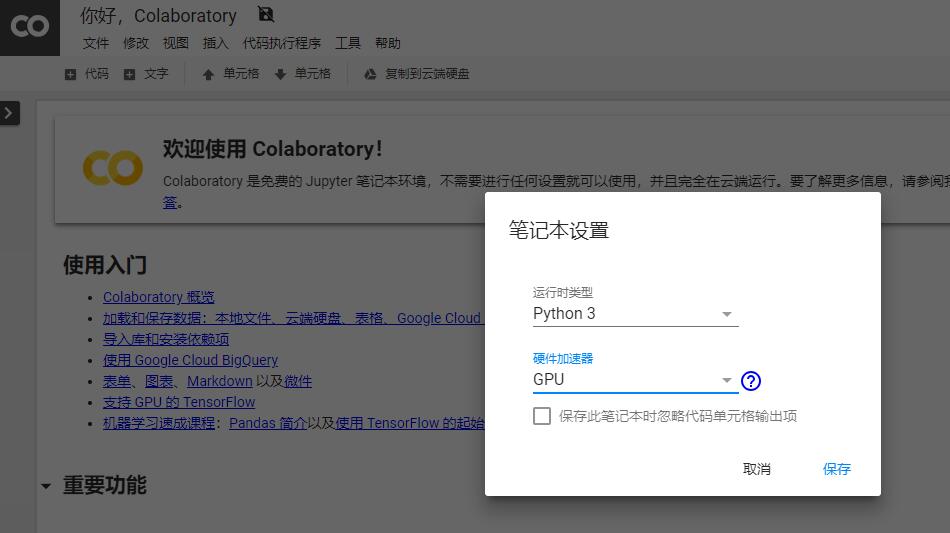
Note: readers who can access Google may use Colab, Google’s improved online version of Jupyter. It is free, comes with TensorFlow installed, and supports GPUs.
2. Beginner Tutorials
You can use TensorFlow either by building a network with low-level APIs or by using a high-level API such as Keras. Writing low-level code directly is difficult for beginners, so I recommend starting with Keras.
2.1 Recommended Book
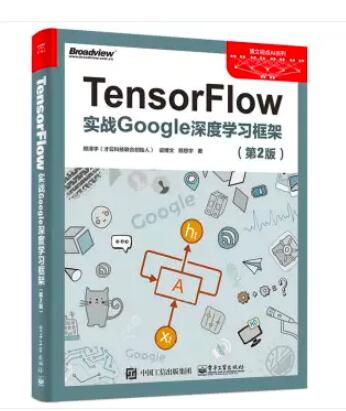
TensorFlow in Action: Google’s Deep-Learning Framework
This book begins with TensorFlow’s underlying principles and includes introductions and practical code for computer vision and natural-language processing.
Reply with “tensorflow” on the 技术杂学铺 WeChat public account to receive a download link for the electronic edition.
2.2 Recommended Online Course
Course: TensorFlow: From Basics to Mastery
This course was produced through a collaboration between TensorFlow and Andrew Ng’s DeepLearning.AI team.
It helps readers with some knowledge of deep learning get started quickly with TensorFlow. At the time of writing, one four-week course was available. It mainly taught the use of TensorFlow’s high-level API, Keras, and its application to projects.
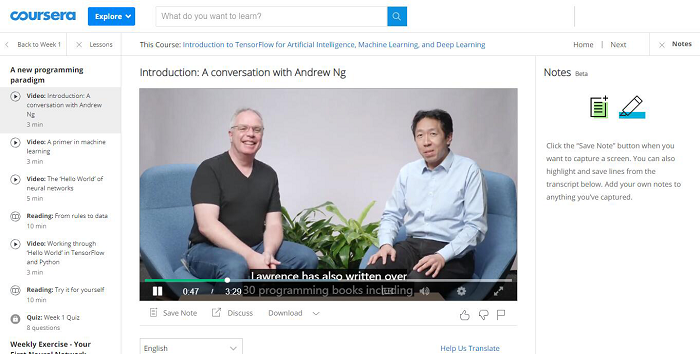
I have completed the course. Its content is clear and easy to understand, and it includes many programming exercises. Readers can study it on Coursera.
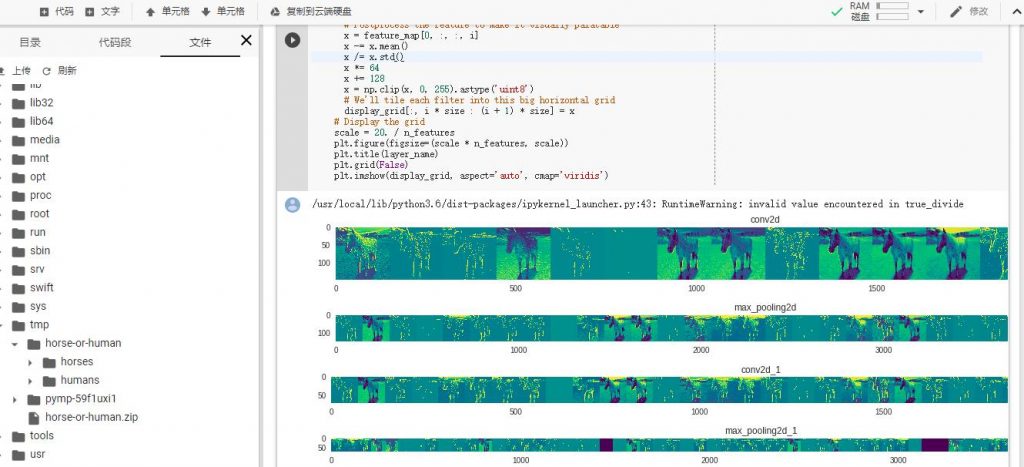
When enrolling, select “Audit only” to study for free. Alternatively, purchasing the course for $49 provides a certificate.

2.3 Written Tutorial
Keras is a framework for building neural networks quickly, with TensorFlow serving as its backend.
Keras has now become TensorFlow’s designated high-level API, and TensorFlow has expressed its enthusiasm for the framework more than once.
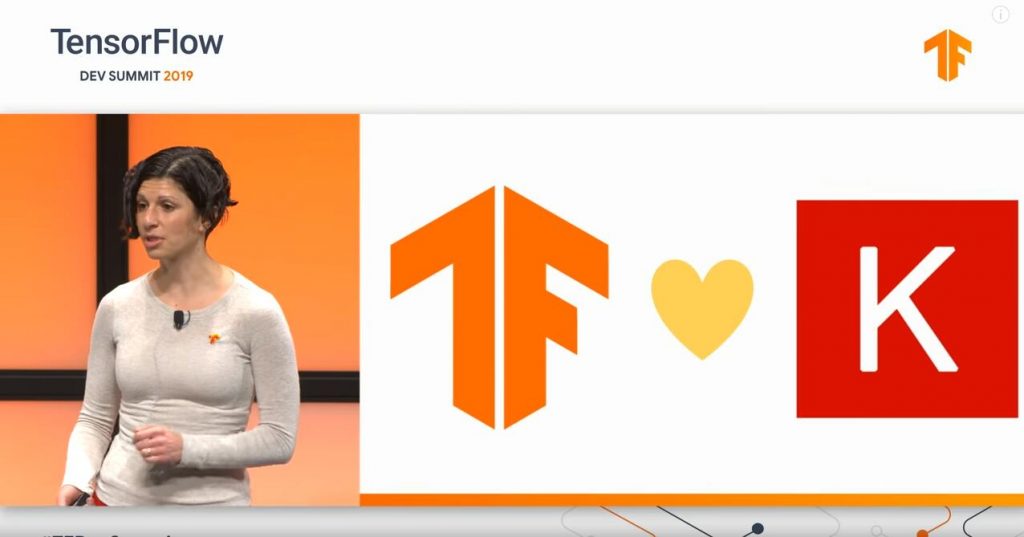
Many deep-learning projects now use TensorFlow underneath while defining and training neural networks with Keras. TensorFlow has also incorporated Keras into its official API. Learning Keras is therefore an important way to get started.
3. Popular Projects
3.1 Neural Style Transfer
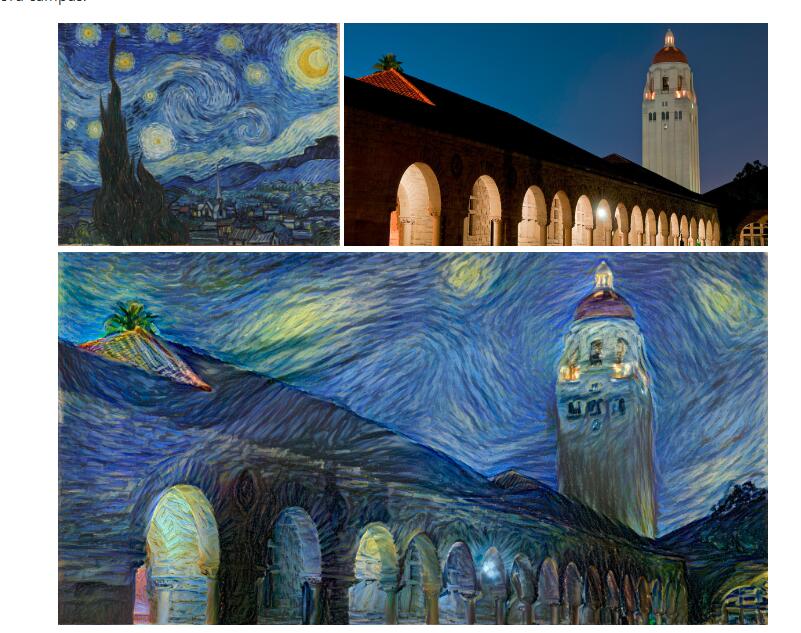
neural-style implements neural style transfer with TensorFlow. It transforms an image into another visual style while preserving the source image’s basic features.
3.2 Real-Time Object Recognition
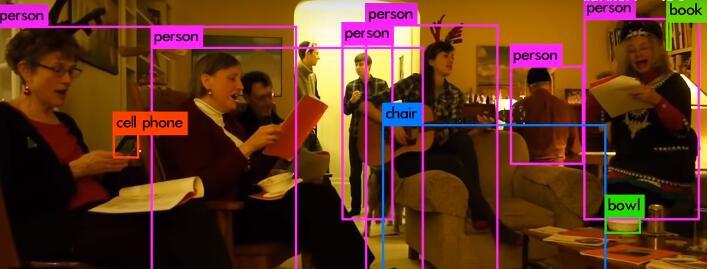
keras-yolo3 is a real-time object-recognition project built with Keras. It can recognize objects in video as the video plays. For more about the YOLO real-time object-detection model, see YOLO: Real-Time Object Detection.
3.3 Speech to Text
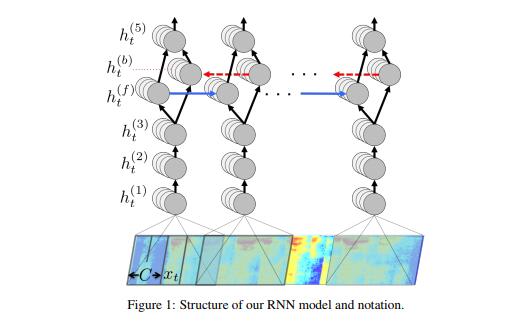
DeepSpeech is a TensorFlow-based speech-to-text project developed by a Baidu team led by Andrew Ng.
Paper: Deep Speech: Scaling up end-to-end speech recognition
3.4 Text Classification with a CNN
The greatest drawback of LSTMs in natural-language processing is that they cannot be computed in parallel.
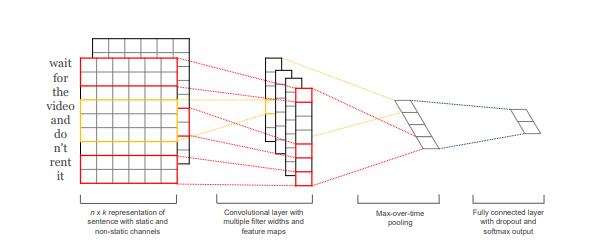
cnn-text-classification-tf proposes using a CNN for text classification. It trains extremely quickly, achieves strong accuracy on certain text-classification tasks, and is highly innovative.
Paper: Convolutional Neural Networks for Sentence Classification
3.5 TensorFlow Examples
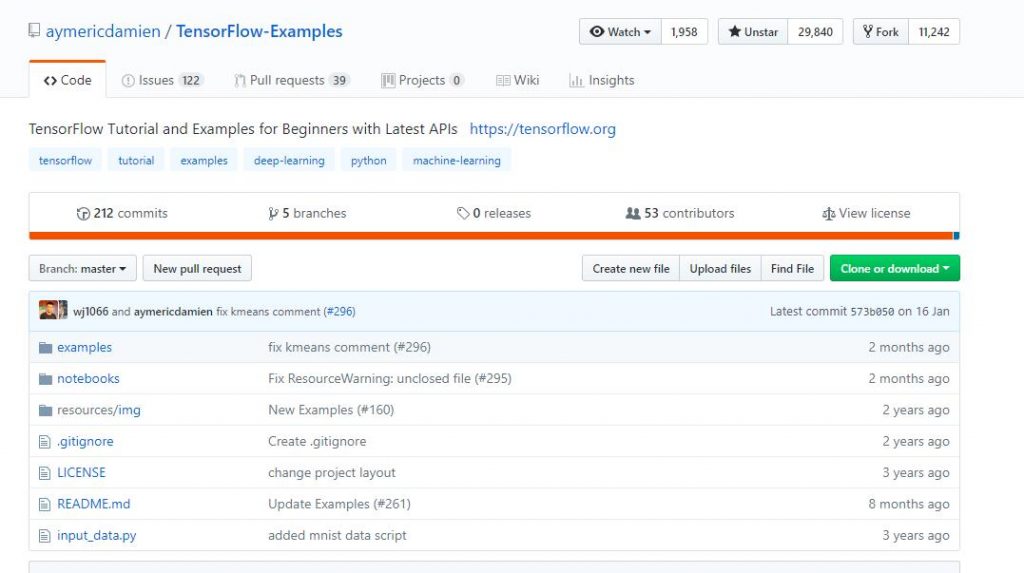
TensorFlow Examples is a GitHub project with nearly 30,000 stars.
Its seven chapters contain dozens of small projects covering nearly every aspect of TensorFlow, including basic operations, implementing machine-learning models, data processing, and multi-GPU execution.